Loading Excellence

Managed Services

Microsoft 365

Your Microsoft 365 environment, devices, identities, collaboration tools, and workplace security professionally managed by Microsoft experts.

What Is Managed Microsoft 365?

Most organizations buy Microsoft 365.

Far fewer have the time, expertise, and resources required to manage it effectively.

Licensing decisions, device policy, access reviews, retention rules, collaboration governance — those stay with you. In most organizations they land on whoever is closest to IT, handled between other priorities, with no single person accountable for the environment as a whole.

Managed Microsoft 365 moves that responsibility to us. Not advice, and not help when something breaks — ongoing ownership of the environment, with monitoring, engineering, and an agreed service level behind it.

You keep the decisions. We carry the operations.

What This Usually Looks Like Before We Start

"If more than two of these sound familiar, you're not alone — it's the normal outcome of Microsoft 365 growing faster than the team running it."

Your team may be dealing with:

• User onboarding takes too long

• Devices aren't consistently managed

• Former employees still have access

• Licensing costs continue to grow

• Teams and SharePoint sprawl

• Intune configuration gaps

• Security settings not fully reviewed

• Nobody owns Microsoft 365 day-to-day

CloudNow helps with:

✓ Consistent onboarding processes

✓ Device lifecycle management

✓ Access governance

✓ License optimization

✓ Collaboration governance

✓ Ongoing administration

✓ Operational health reviews

✓ Expert escalation support

A Complete Digital Workplace

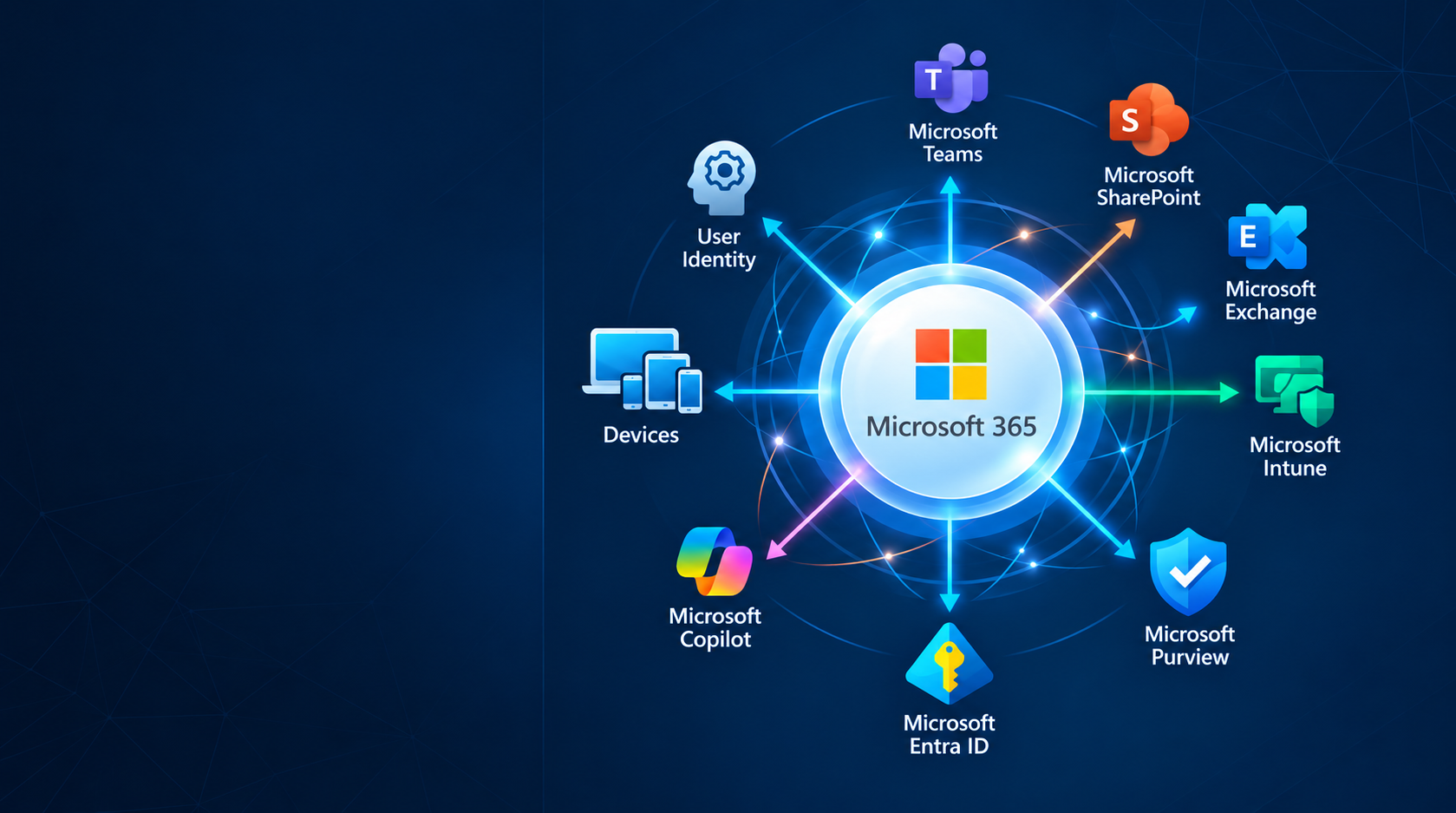
Modern digital work happens across email, collaboration platforms, mobile devices, laptops, identity systems, and cloud applications.

Each piece is managed differently, and most organizations end up with gaps between them — a device policy that doesn't match an access policy, a retention rule nobody applied to Teams.

CloudNow helps bring those moving parts together through centralized administration, governance, and operational oversight.

We help keep it secure, compliant, properly licensed, and running smoothly, so your team can stay productive while we handle the administration.

what we manage

What We Manage

Microsoft 365 Administration

Microsoft 365 Administration

The day-to-day ownership of your tenant.

Your tenant is where licensing, identity, policy, and service configuration all meet. We own it so nobody internally has to guess.

✓ User, group, and distribution list provisioning and lifecycle management

✓ License assignment, reclamation, and tenant-wide allocation

✓ Service configuration, admin center management, and tenant settings

✓ Microsoft service health monitoring and change/roadmap impact review
Exchange Online & Email Flow

Exchange Online & Email Flow

Email that arrives, stays clean, and doesn't get blocked.

Email is still the system your business notices first when it breaks, and email problems are rarely just "email" problems.

✓ Mailbox, shared mailbox, and distribution group administration

✓ Mail flow, connectors, and routing configuration

✓ Anti-spam and filtering administration, quarantine and release management

✓ Deliverability monitoring, sender reputation, SPF/DKIM/DMARC alignment

Microsoft Teams & Collaboration

Microsoft Teams & Collaboration

Collaboration that stays organized instead of sprawling.

Teams grows fast and quietly. Without governance you end up with hundreds of orphaned teams and guest accounts nobody can account for.

✓ Team and channel provisioning, naming standards, and lifecycle management

✓ Guest and external access policies

✓ Meeting, messaging, and app permission policies

✓ Cleanup of orphaned, duplicate, and inactive workspaces

SharePoint & OneDrive

SharePoint & OneDrive

Content that's findable, permissioned, and under control.

Most SMB SharePoint environments were set up once and never governed again. Permission drift is the usual result.

✓ Site provisioning, structure, and permission management

✓ External sharing controls and link expiration policies

✓ Storage management and quota oversight

✓ OneDrive provisioning, known-folder redirection, and content retention

Microsoft Intune & Device Management

Microsoft Intune & Device Management

Every laptop and phone configured the same way, every time.

A managed device fleet is what turns security policy from a document into something that's actually enforced.

✓ Windows Autopilot and Entra join provisioning workflows

✓ Device enrollment, configuration profiles, and compliance policies

✓ BitLocker, endpoint baselines, and encryption enforcement

✓ Application deployment, updates, and device retirement/wipe

Identity & Access Management

Identity & Access Management

The right people with the right access — and nothing more.

Identity is the new perimeter. It's also where offboarding gaps quietly become risk.

✓ Microsoft Entra ID administration and directory hygiene

✓ Conditional access and MFA policy administration

✓ Group-based access control and role assignment

✓ Joiner / mover / leaver processes with verified access revocation

Compliance & Data Governance

Compliance & Data Governance

Find records, prove it, hand it over. Whether it's an auditor, or your legal team.

Most organizations only discover their compliance gaps during an audit, a legal request, or after a data leak.

✓ Microsoft Purview administration

✓ Data Loss Prevention (DLP)

✓ Data Retention, legal holds & deletion

✓ eDiscovery & content search

✓ Audit logging

Why CloudNow

Why Organizations Partner with CloudNow

A clear record of focused expertise and practical delivery.

Reduce Internal IT Burden

Reduce Internal IT Burden

Free internal staff from routine Microsoft 365 administration.

Improve Security

Improve Security

Help maintain secure identities, devices, and workplace policies.

Increase Productivity

Increase Productivity

Ensure users can access the tools they need when they need them.

Control Licensing Costs

Control Licensing Costs

Identify unused licenses and optimization opportunities.

Managed Microsoft 365 vs IT Support

Both are real options. The difference is who owns the environment.

Managed Microsoft 365

✓ Ongoing ownership

✓ Proactive and reactive assistance

✓ Monitoring

✓ L3 Engineering support, root-cause

✓ Operational reviews

✓ Continuous administration

✓ SLA service

Break/Fix IT Support

• By incident/request

• Reactive-only assistance

• None

• Limited troubleshooting

• No governance

• Issue-driven

• Best effort support

Practical Microsoft 365 reading

Microsoft Licensing

Business Premium vs. E3: The Small-Business Upgrade Question

Business Premium vs. E3: the honest upgrade guide for growing SMBs under 300 users.

Read More
Microsoft 365 Business Premium vs Microsoft 365 E3 comparison. Created by CloudNow.

Frequently Asked Questions

More questions about Microsoft 365 service?

Learn More →

Related Services

Microsoft Licensing & Procurement

Acquire and optimize Microsoft subscriptions through a Microsoft CSP partner.

Learn More →

Managed Cybersecurity

Strengthen security monitoring, threat detection, and incident response.

Learn More →

Technology Advisory & Architecture

Planning, roadmaps, and strategic guidance for Microsoft environments.

Learn More →

Spend Less Time Managing Microsoft 365

Gain access to Microsoft experts who can help keep your digital workplace secure, productive, and operationally healthy.