

Outcome: Reduced attack surface and improved security posture over time.
Phishing
Deceptive emails, links and messages that trick users into revealing information or taking malicious actions.
Managed Services
Threats don't stop at business hours. CloudNow monitors, manages, and responds to security risks across your Microsoft environment, helping reduce exposure before incidents become business disruptions.
The threat landscape
Attacks target people, identities and processes, not just devices.
Understanding the risks is the first step toward a stronger security program. These are the six we see most.
Deceptive emails, links and messages that trick users into revealing information or taking malicious actions.
Malicious software that encrypts systems and data, disrupting operations and causing financial impact.
Stolen usernames, passwords, tokens or session data that open the door to business systems.
Employees, contractors or trusted users who expose data or bypass controls, intentionally or not.
Attackers posing as executives, vendors or trusted contacts to redirect payments or extract data.
Unauthorized access to, or exfiltration of, business, customer, financial or operational data.
A quick self-check
01
Who would notice a suspicious sign-in at 2am on a Saturday?
01
Who would notice a suspicious sign-in at 2am on a Saturday?
02
When were your Microsoft 365 security settings last reviewed?
02
When were your Microsoft 365 security settings last reviewed?
03
Could an employee tell a convincing fake invoice from a real one?
03
Could an employee tell a convincing fake invoice from a real one?
04
Which Defender features are you paying for but not using?
04
Which Defender features are you paying for but not using?
05
If leadership asked “how secure are we?” tomorrow, what would you show them?
05
If leadership asked “how secure are we?” tomorrow, what would you show them?
If any answer was “not sure,” you’re in good company — That’s exactly where a security review starts.
Book Your Security ReviewWhere we help
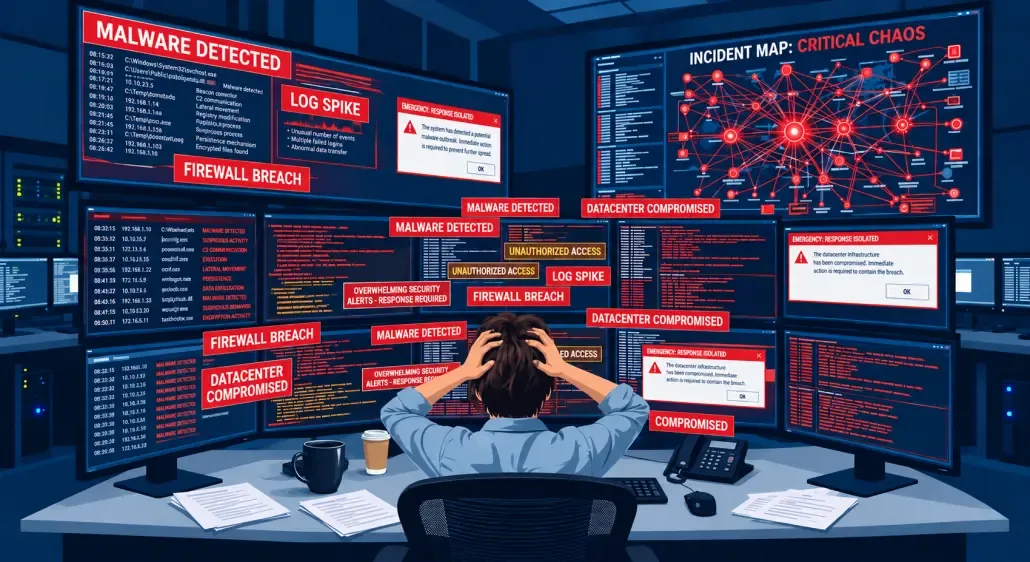
We turn alert volume into a short list of investigations and responses your team can act on.

Align security practice with business, regulatory and customer compliance requirements.
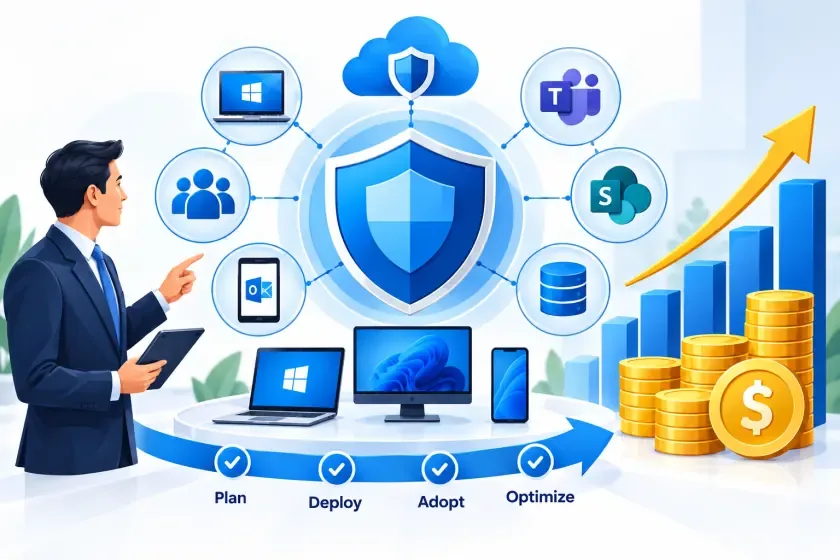
Get full value from the Microsoft security investment you already pay for.

Policies and controls weaken as systems change and users are added. We keep them aligned.

Gain experienced security specialists without building an internal team.

Regular reporting gives a clear picture of risks, trends and overall security posture.
Deploying security software is easy. Keeping a strong posture takes continuous monitoring, investigation, configuration oversight and informed decisions. CloudNow MDR runs security as an ongoing business function.
Deploying security software is easy. Keeping a strong posture takes continuous monitoring, investigation, configuration oversight and informed decisions. CloudNow MDR runs security as an ongoing business function.
How CloudNow helps
Mature security is built in three moves: get your environment ready, deal with what’s already wrong, then run it responsibly every day.
Improve
Identify, assess, and prioritize security weaknesses across devices, servers, identities, and cloud resources. Focus remediation efforts on the risks that matter most rather than treating every finding equally.
Outcome: Reduced attack surface and improved security posture over time.
Improve
Review and maintain security configurations across servers, operating systems, Microsoft 365, and supporting infrastructure. Reduce unnecessary exposure by aligning systems with recommended security standards and best practices.
Outcome: More secure systems, consistent configurations, and fewer avoidable security exposures.
Govern
Regular reporting provides visibility into security events, trends, vulnerabilities, remediation activities, and overall security health. Reports are designed to support both technical stakeholders and business decision-makers.
Outcome: Visibility into security risks and executive insight. Better decision-making into cyber risk.
Respond
When security events occur, our team investigates alerts, validates potential threats, and coordinate appropriate containment and remediation actions.
Outcome: Faster incident investigation, quicker containment, and reduced business disruption.
Monitor
We monitor security alerts, suspicious activity, and emerging risks across your Microsoft environment. Identify meaningful threats quickly while reducing alert fatigue from false positives.
Outcome: Faster identification of real threats, reduce noise from false positives alerts.
Monitor
Continuous security monitoring outside normal business hours to help identify and respond to threats whenever they occur.
Outcome: Detect threats beyond business hours and weekends.
Respond
We manage and optimize your Microsoft Defender security stack, including policies, protections, detection rules, and platform health. Ongoing review and tuning help ensure protections remain aligned with evolving threats and business requirements.
Outcome: Better protection, improved detection accuracy, and greater value from your Microsoft security investment.
Govern
Security controls can drift over time as users, devices, applications, and business requirements change. We regularly review security configurations, policies, and control settings to help maintain alignment with security objectives and recommended practices.
Outcome: Stronger security posture with consistent enforcement of recommended controls, policies, and security baselines.
Improve
Identify, assess, and prioritize security weaknesses across devices, servers, identities, and cloud resources. Focus remediation efforts on the risks that matter most rather than treating every finding equally.
Outcome: Reduced attack surface and improved security posture over time.
Improve
Review and maintain security configurations across servers, operating systems, Microsoft 365, and supporting infrastructure. Reduce unnecessary exposure by aligning systems with recommended security standards and best practices.
Outcome: More secure systems, consistent configurations, and fewer avoidable security exposures.
Govern
Regular reporting provides visibility into security events, trends, vulnerabilities, remediation activities, and overall security health. Reports are designed to support both technical stakeholders and business decision-makers.
Outcome: Visibility into security risks and executive insight. Better decision-making into cyber risk.
Built Around Microsoft Security Platform
⠀
Most security tools solve a specific problem. Microsoft's security platform shares intelligence across identities, endpoints, email, cloud services, and security operations to provide broader visibility and faster response.
EDR
Protects Windows, macOS, Linux, servers and mobile devices against ransomware, malware, and advanced threats.
Attackers frequently begin at the endpoint. Defender for Endpoint provides visibility into device activity and helps identify suspicious behavior before it spreads through the environment.
⠀
Key capabilities
✓ Endpoint detection and response (EDR)
✓ Behavioral threat analysis
✓ Automated investigation
✓ Device isolation and remediation
Protects: Devices & Servers
MXDR
Protects email, Teams, and collaboration environments from phishing, business email compromise, malicious links, and malware.
Email remains one of the most common entry points for cyberattacks. Defender helps identify and stop threats before users interact with them
⠀
Key capabilities
✓ Phishing protection
✓ Safe Links & Safe Attachments
✓ Email threat investigation
✓ Collaboration security
Protects: Email & Collaboration.
ITDR
Protects Active Directory and hybrid identity environments from credential theft and identity-based attacks.
Modern attackers often target user accounts rather than devices. Defender for Identity helps identify suspicious authentication activity and potential lateral movement.
⠀
Key capabilities
✓ Credential theft detection
✓ Privilege escalation monitoring
✓ Attack path analysis
✓ Identity threat detection
Protects: User Identities
IAM
Provides identity and access management for users, applications, and services.
Identity is the foundation of modern security. Entra ID helps ensure only authorized users access business resources under the right conditions.
⠀
Key capabilities
✓ Multi-Factor Authentication
✓ Conditional Access
✓ Single Sign-On
✓ Privileged Identity Management
Protects: Access & Authentication
XDR
Brings together signals from devices, identities, email, and cloud services into a single security investigation platform.
Rather than reviewing isolated alerts, security teams gain a unified view of incidents across the environment.
⠀
Key capabilities
✓ Cross-platform correlation
✓ Unified investigations
✓ Automated incident analysis
✓ End-to-end visibility
Protects: Entire Environment
SIEM
Provides centralized monitoring, analytics, automation, and reporting across the security ecosystem.
Organizations requiring enhanced visibility and compliance reporting can use Sentinel to collect and analyze security telemetry from multiple systems.
⠀
Key capabilities
✓ Security Information & Event Management
✓ Threat intelligence
✓ Security automation
✓ Centralized investigations
Protects: Security Operations
"Technology selection depends on business requirements and service scope."
A passkey is a passwordless sign-in method that uses a trusted device, such as a smartphone, security key, or biometric authentication. Instead of entering a password, users verify their identity using a fingerprint, facial recognition, PIN, or hardware key, helping reduce the risk of phishing and credential theft.
More Cybersecurity questions?
Browse the full library covering security events, breaches, prevention, identity security.
Whether you're evaluating Microsoft Defender, looking for ongoing monitoring, or reviewing your current security program, our team can help.